

color
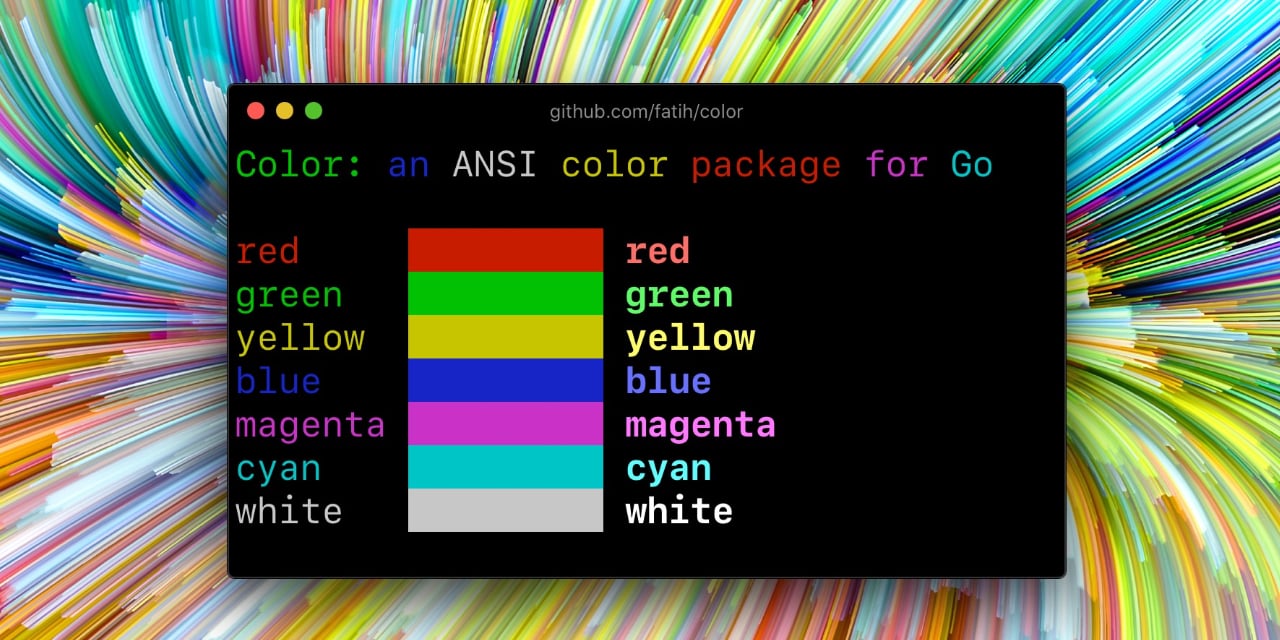
Color lets you use colorized outputs in terms of ANSI Escape Codes in Go (Golang). It has support for Windows too! The API can be used in several ways, pick one that suits you.
Install
Examples
Standard colors
RGB colors
If your terminal supports 24-bit colors, you can use RGB color codes.
Mix and reuse colors
Use your own output (io.Writer)
Custom print functions (PrintFunc)
Custom fprint functions (FprintFunc)
Insert into noncolor strings (SprintFunc)
Plug into existing code
Disable/Enable color
There might be a case where you want to explicitly disable/enable color output. the go-isatty package will automatically disable color output for non-tty output streams (for example if the output were piped directly to less).
The color package also disables color output if the NO_COLOR environment variable is set to a non-empty string.
Color has support to disable/enable colors programmatically both globally and for single color definitions. For example suppose you have a CLI app and a -no-color bool flag. You can easily disable the color output with:
It also has support for single color definitions (local). You can disable/enable color output on the fly:
GitHub Actions
To output color in GitHub Actions (or other CI systems that support ANSI colors), make sure to set color.NoColor = false so that it bypasses the check for non-tty output streams.
Credits
Windows support via @mattn: colorable
License
The MIT License (MIT) - see LICENSE.md for more details
Last updated
Was this helpful?